How do I start a live chat?
Choose a model who is live, open her profile and tap "Start now! Chat & cam". You see the model straight away and can chat for as long as you have credits; here’s how it works, step by step.
Choose a model who is live
The models who are live right now are at the top of the homepage, with a red LIVE label. Tap a card to open the profile. Use the categories and Filters to find who you’re looking for faster.
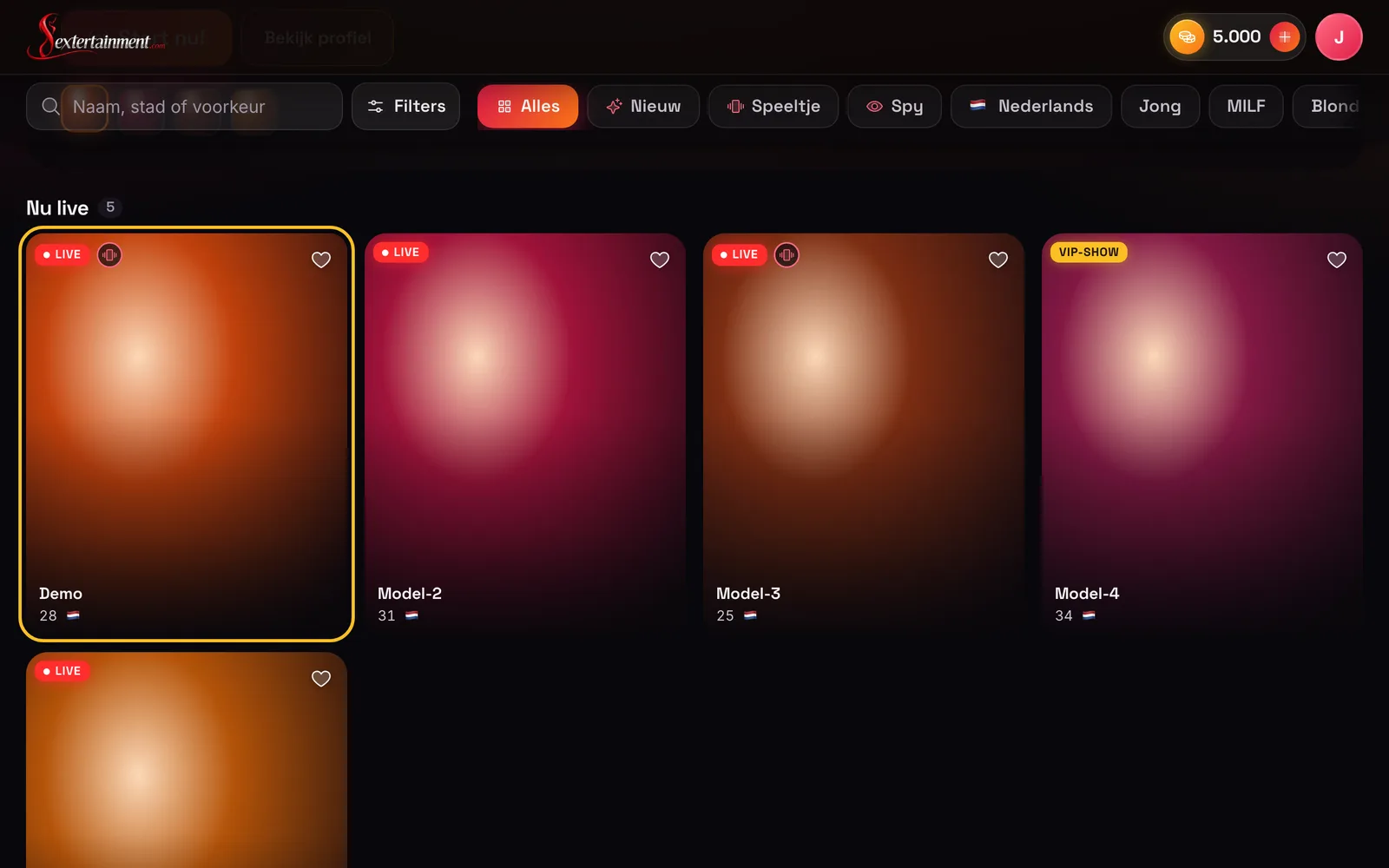
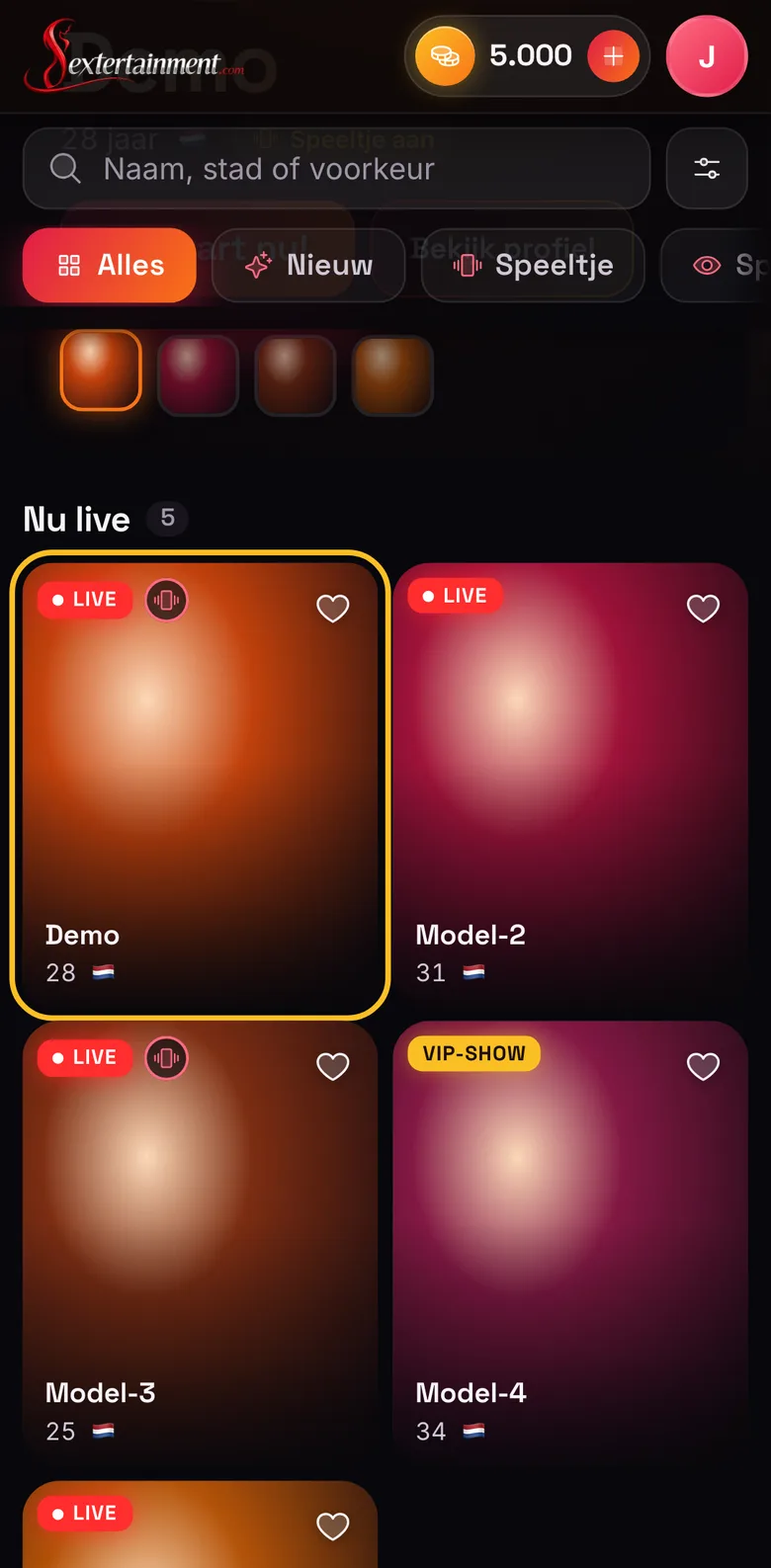
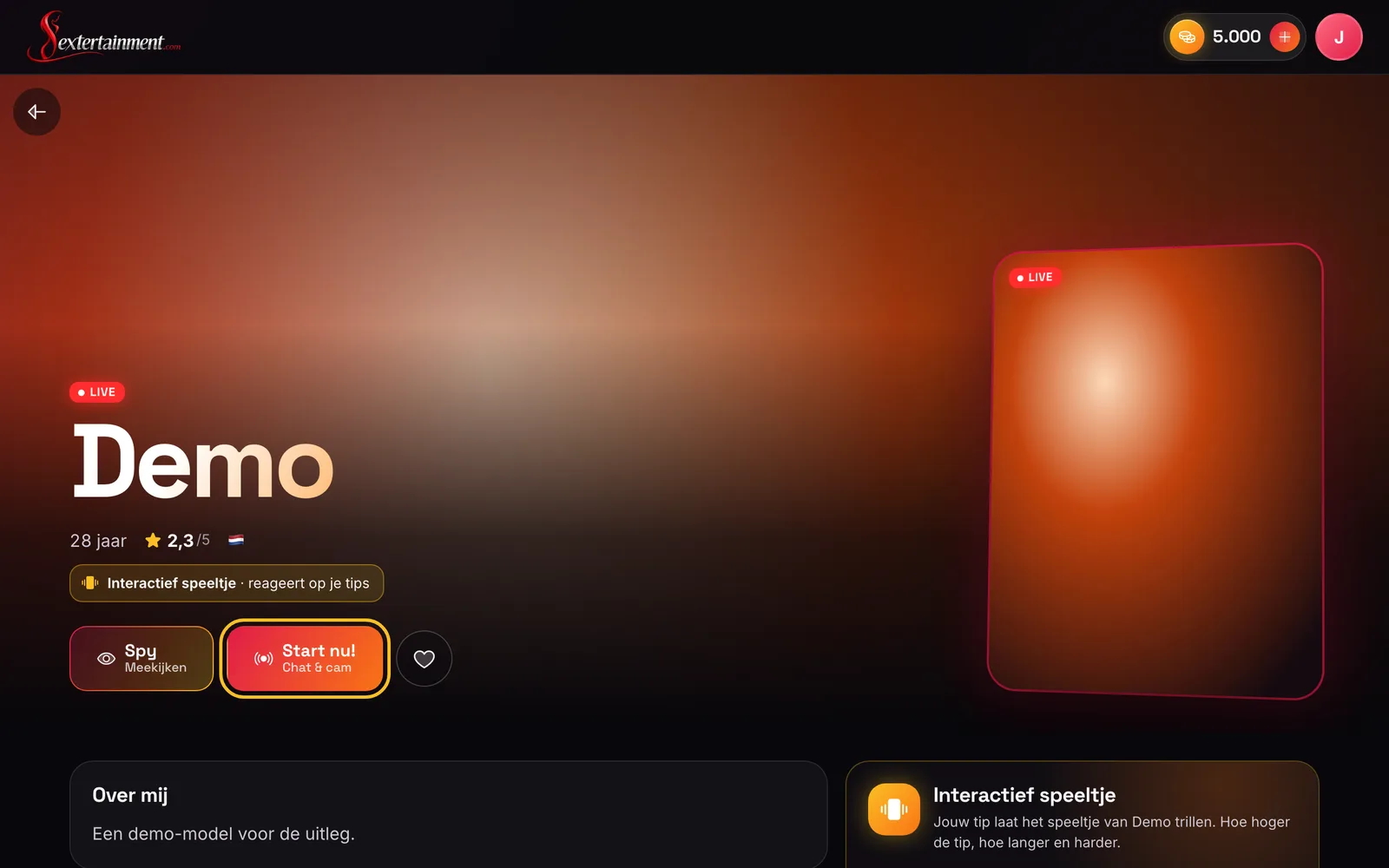
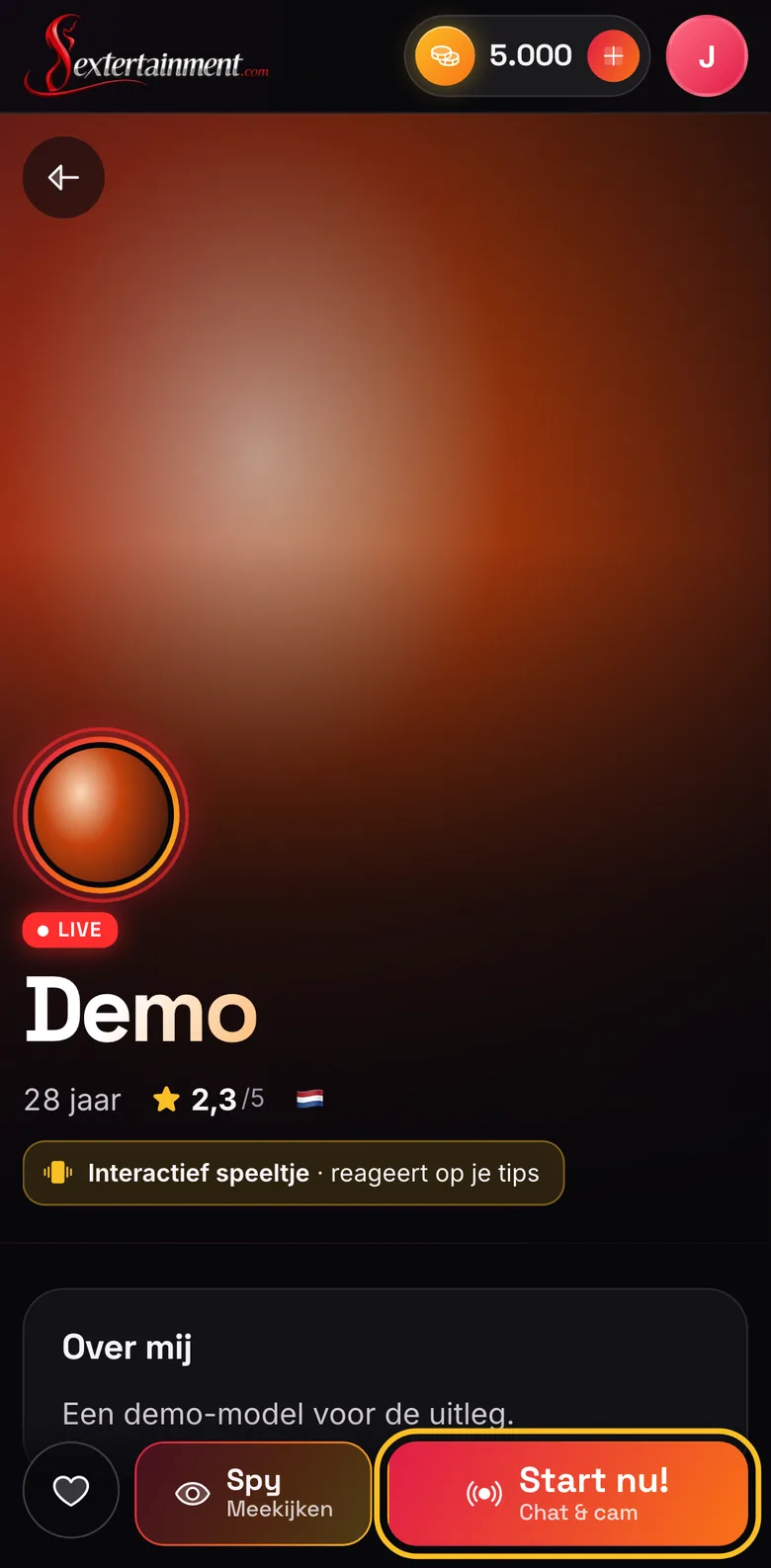
Start the chat
On the profile, tap "Start now! Chat & cam". You need to be logged in; if you have credits for less than 4 minutes, we’ll first ask whether you’d like to top up. With "Spy" you can watch quietly first.
Chatting
Type your message at the bottom. Your messages appear as "You" in blue, the model’s with her name in red. Other viewers don’t see your messages. Use the buttons above the text box to quickly send an emoji or a short message.
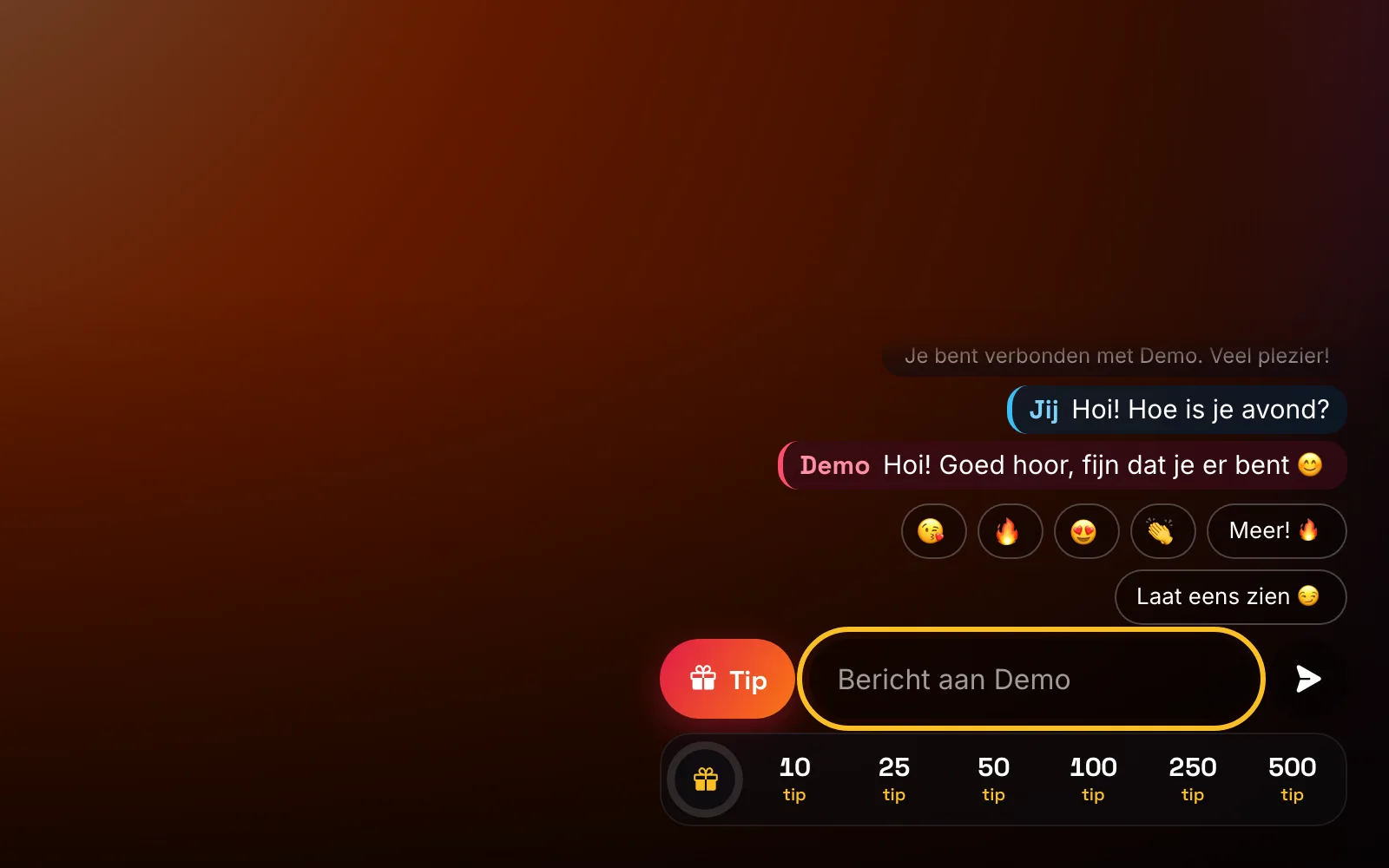
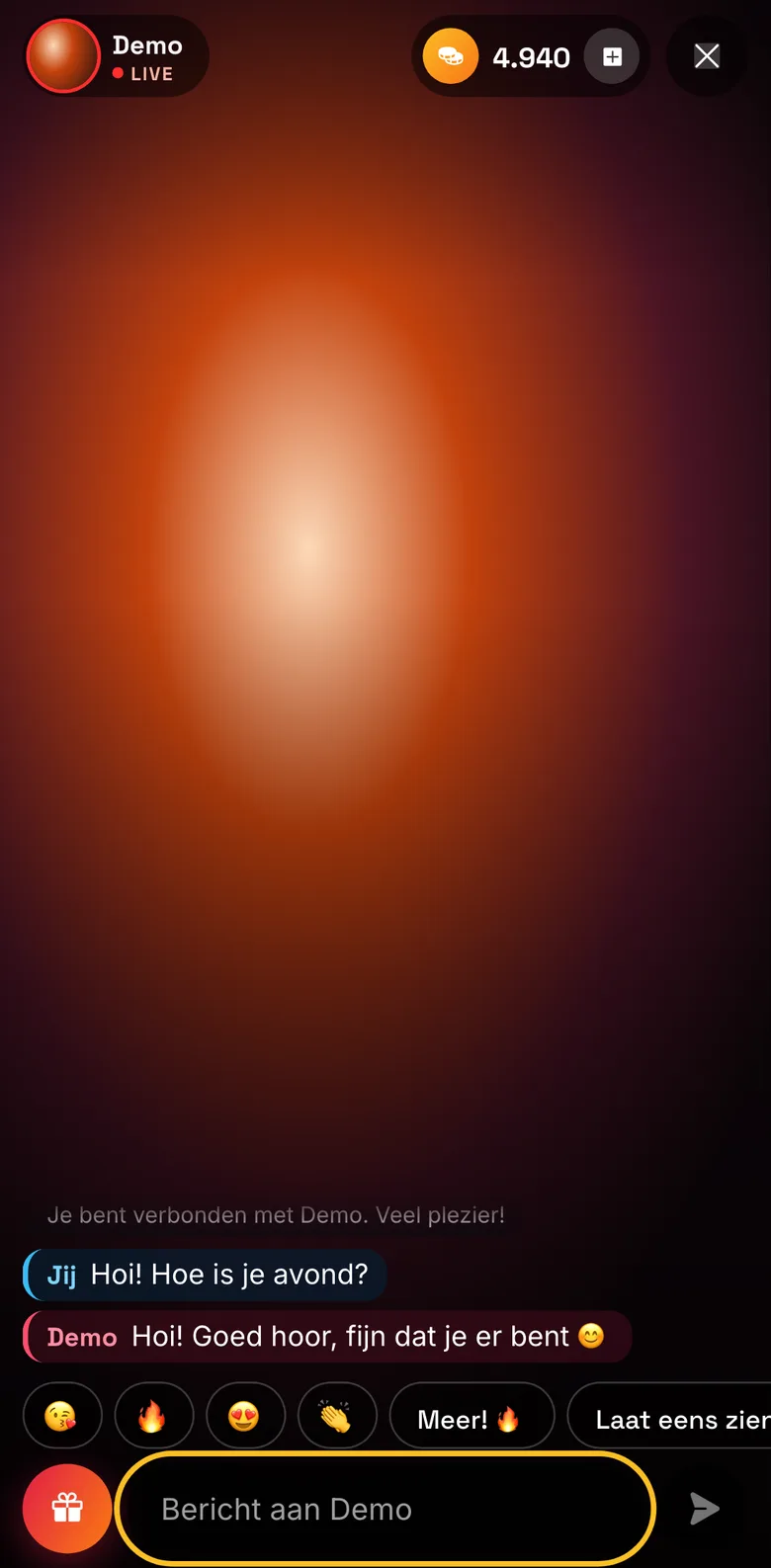
Giving a tip
Tap "Tip" and choose an amount, or something from the model’s tip menu. If she has an interactive toy, you’ll see the toy tips here too. Your tip appears in the chat straight away.
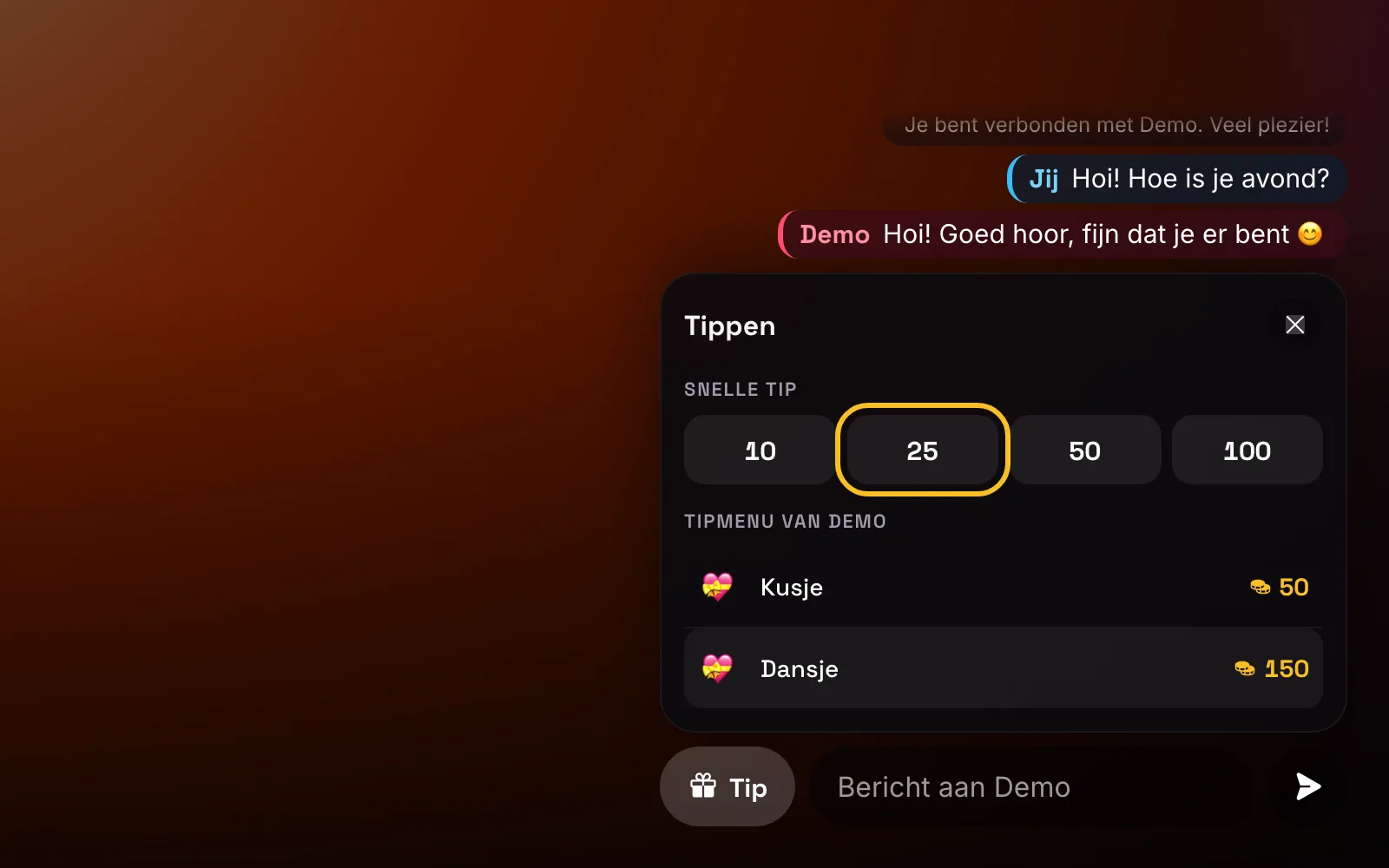
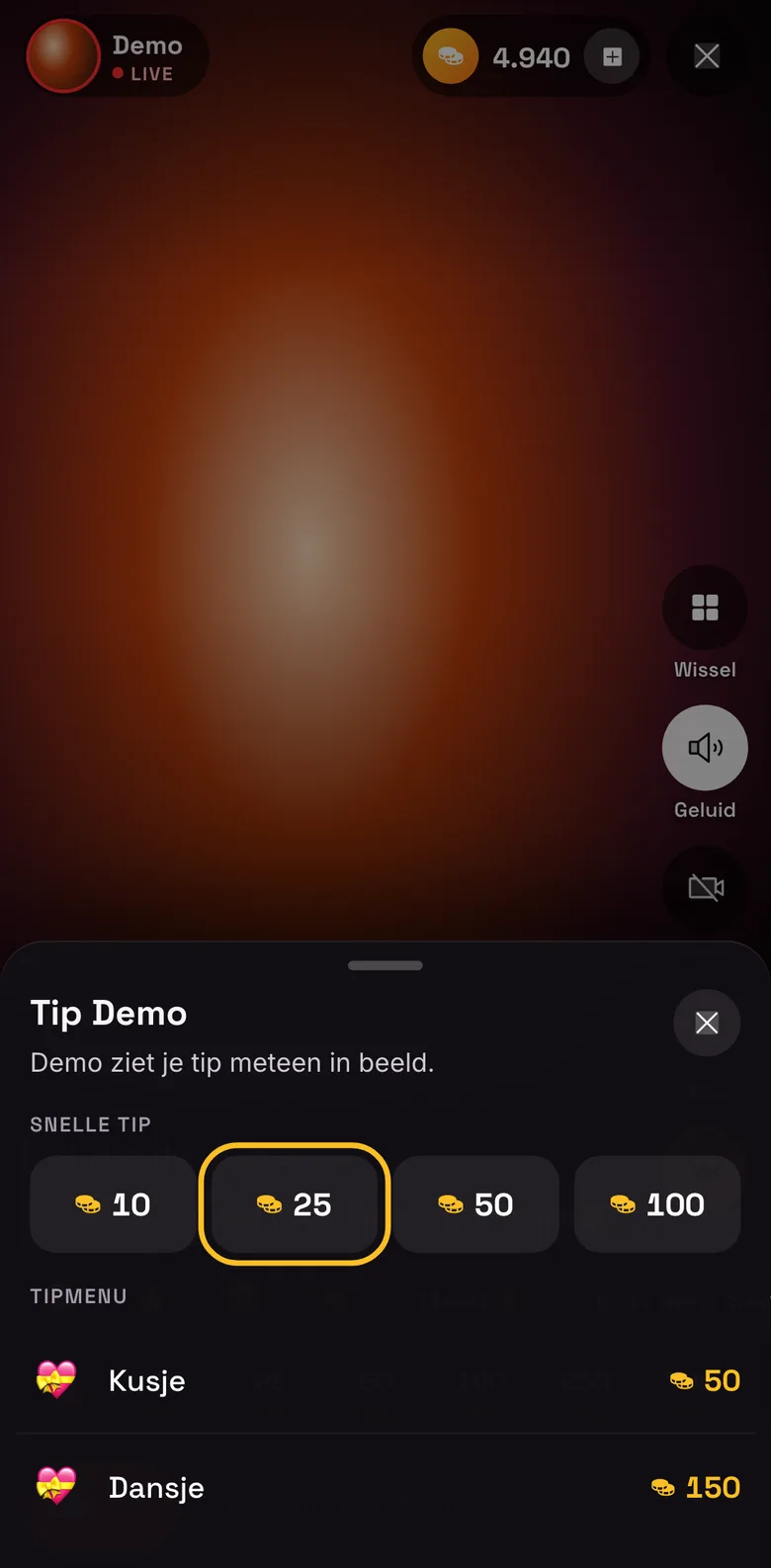
The amounts in the picture are examples. Requesting a private show
Tap "Private" and then "Request private". The model decides whether to accept; you see the rate before you send the request.
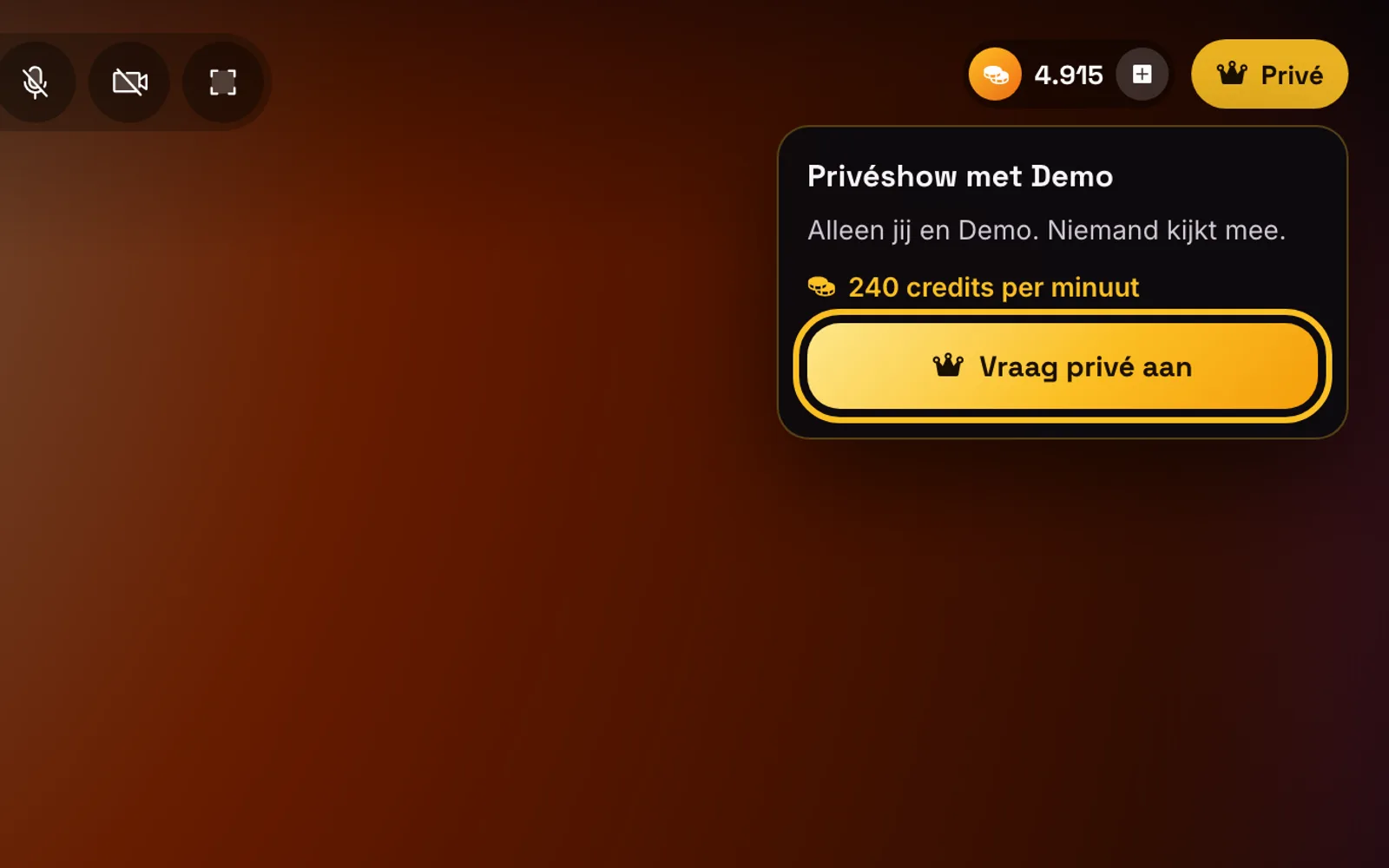
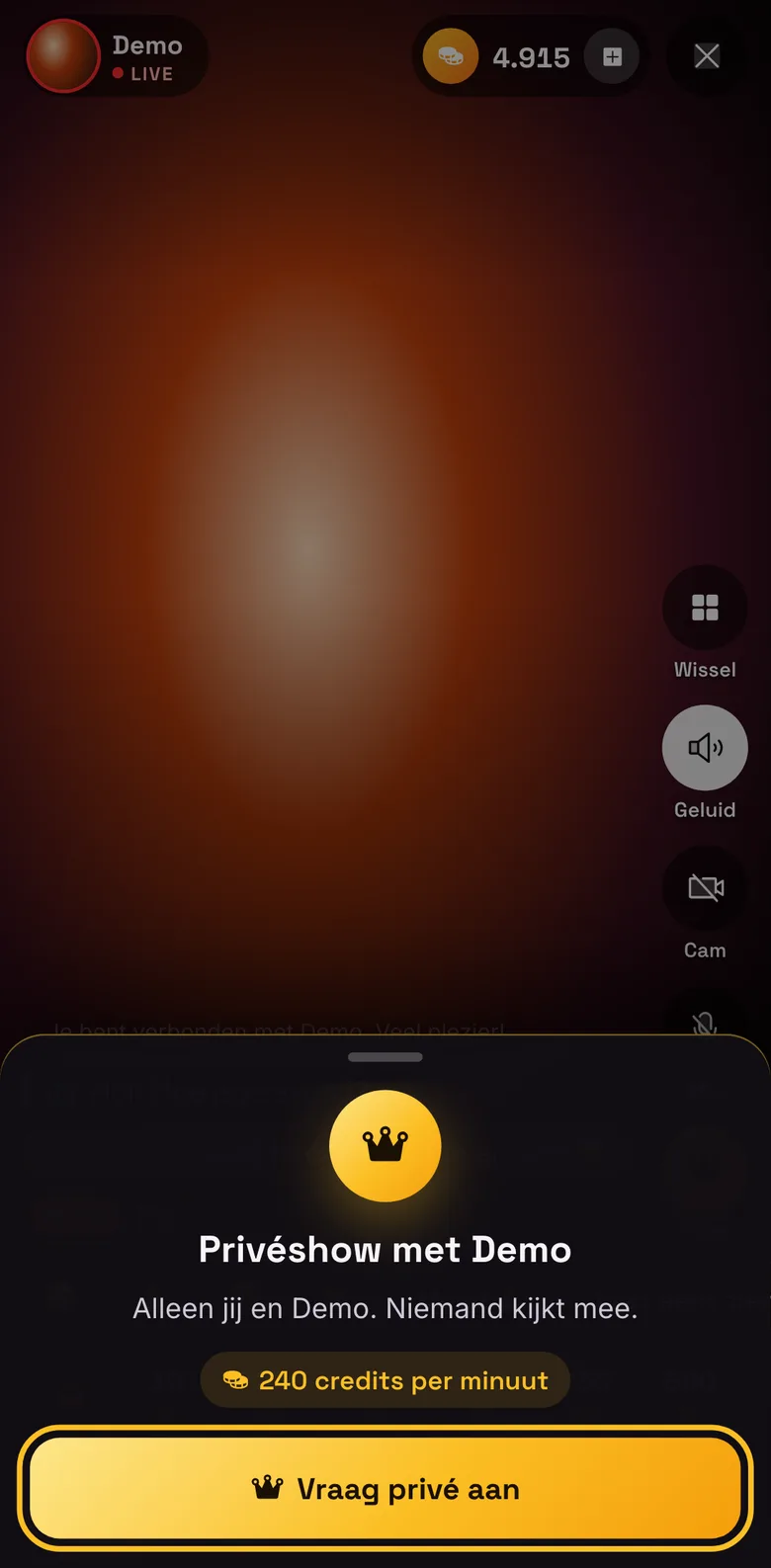
The rate in the picture is an example. Stopping
Tap the cross at the top. Charging stops immediately and you go back to the model’s profile.